Outline, not photogrammetry
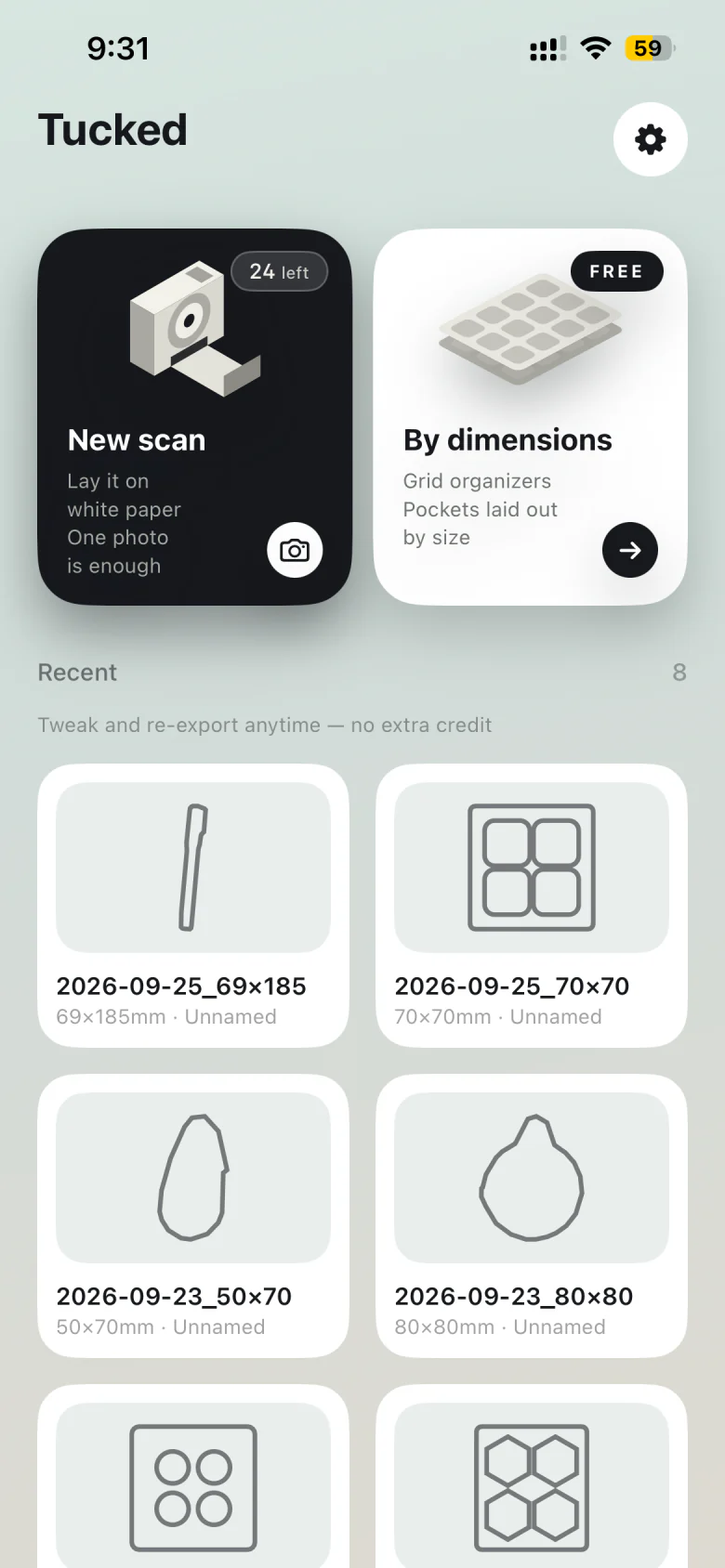
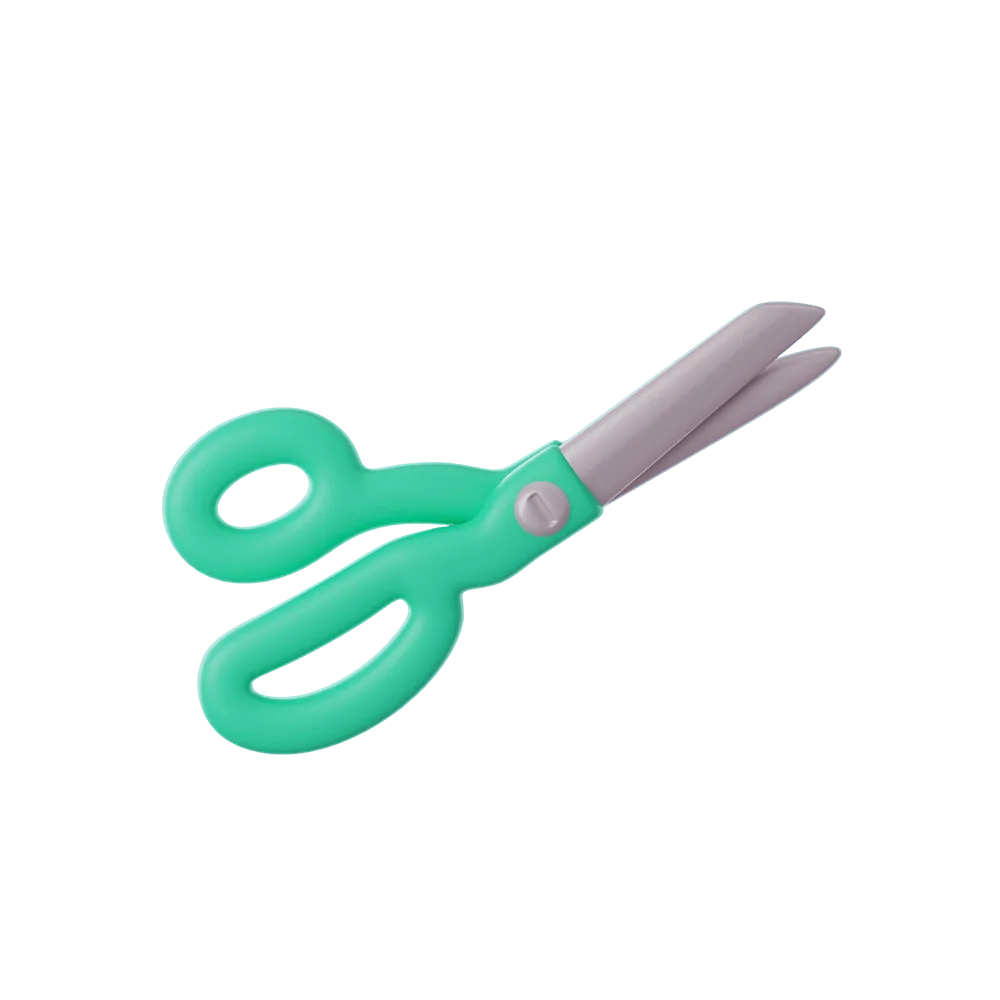
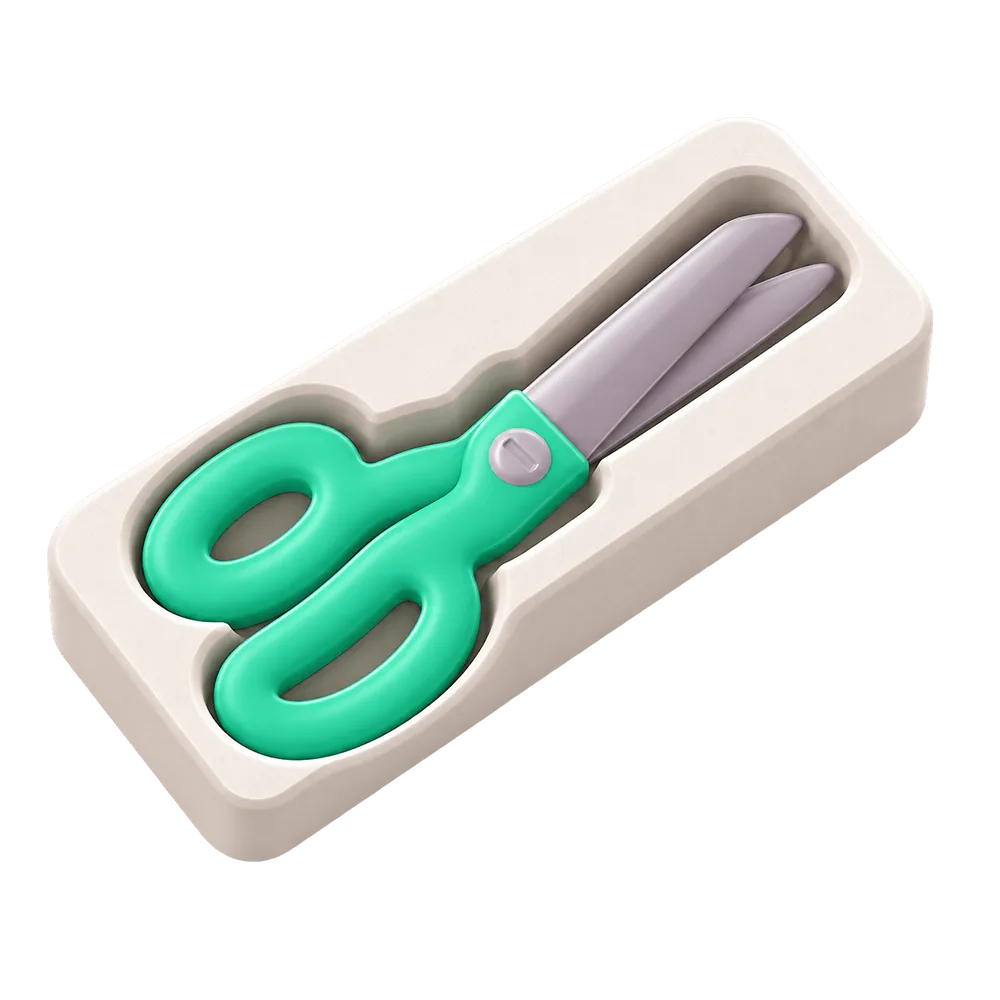
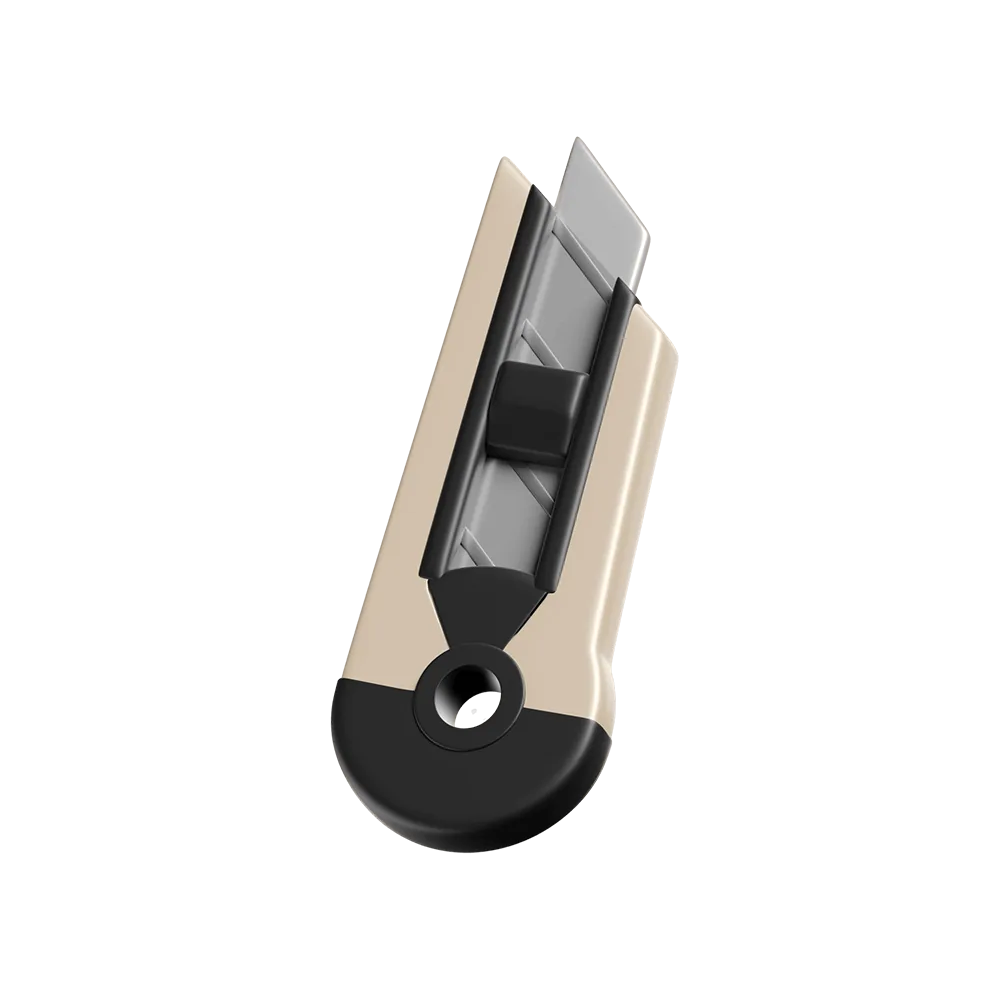
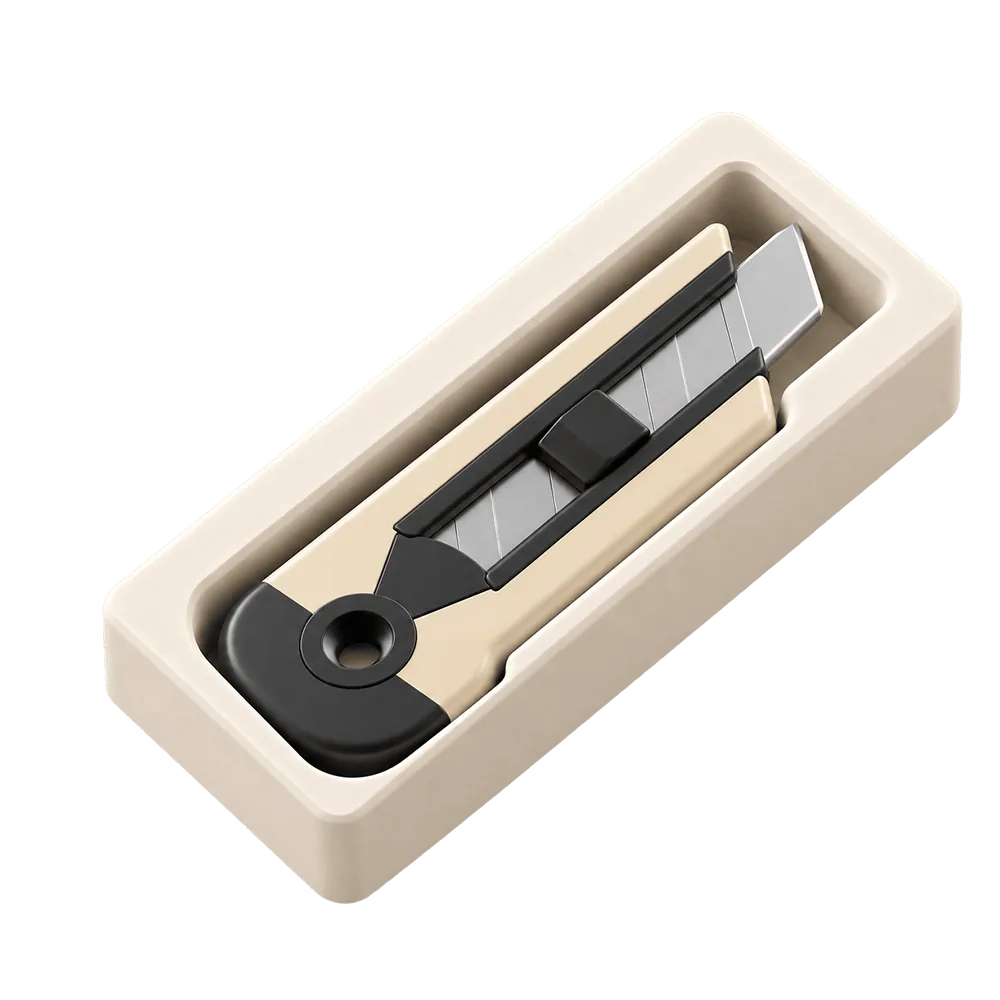
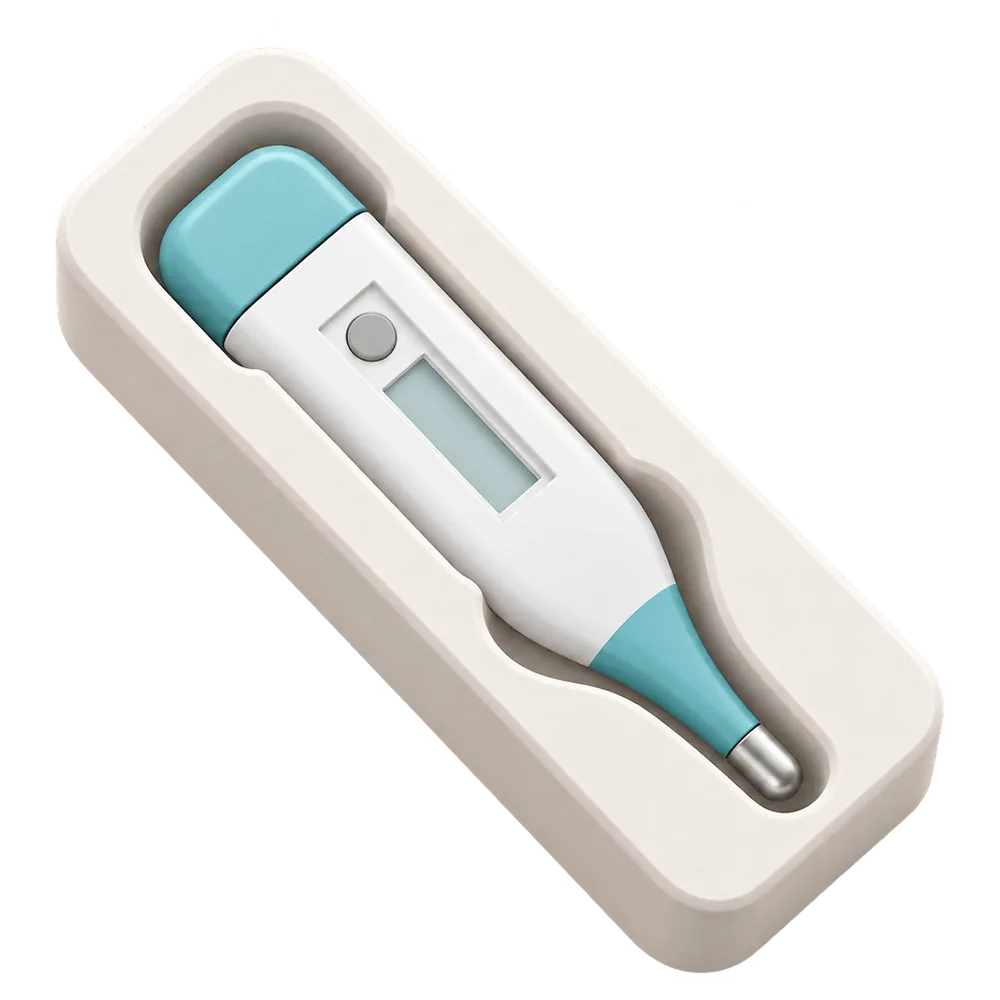
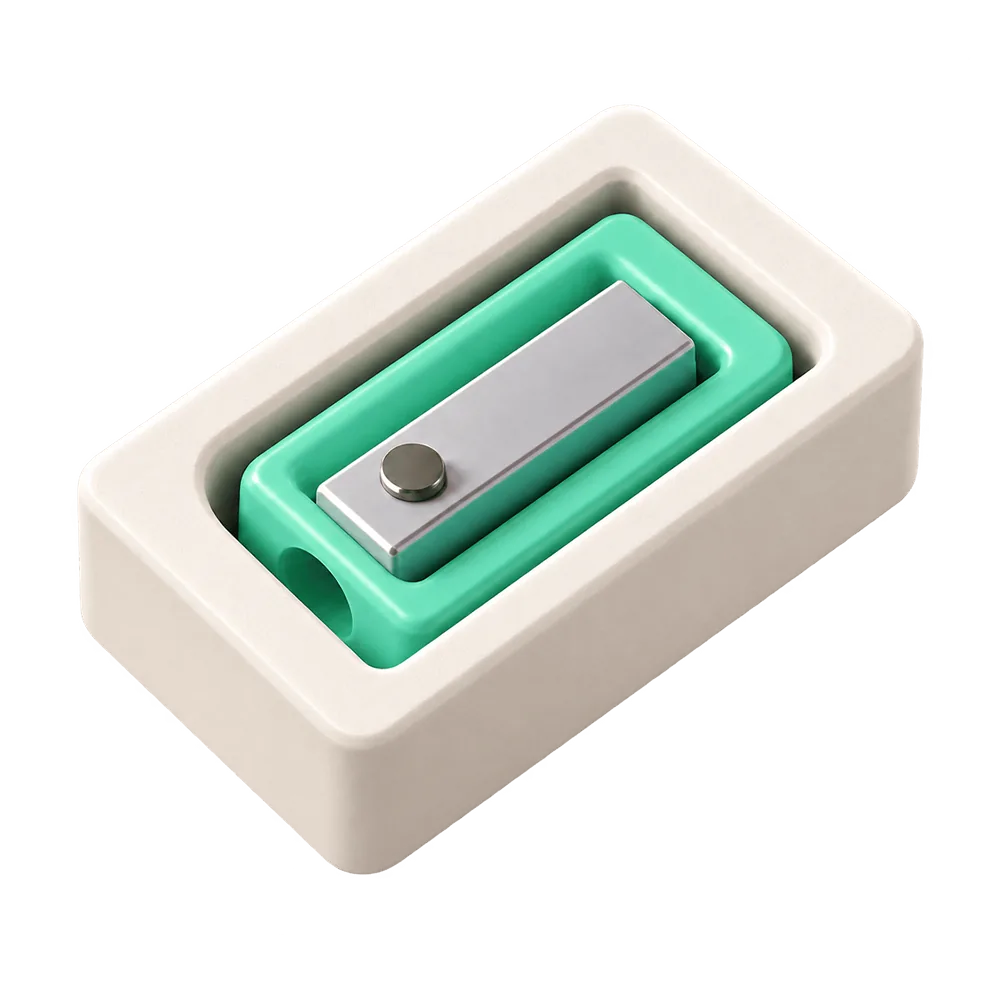
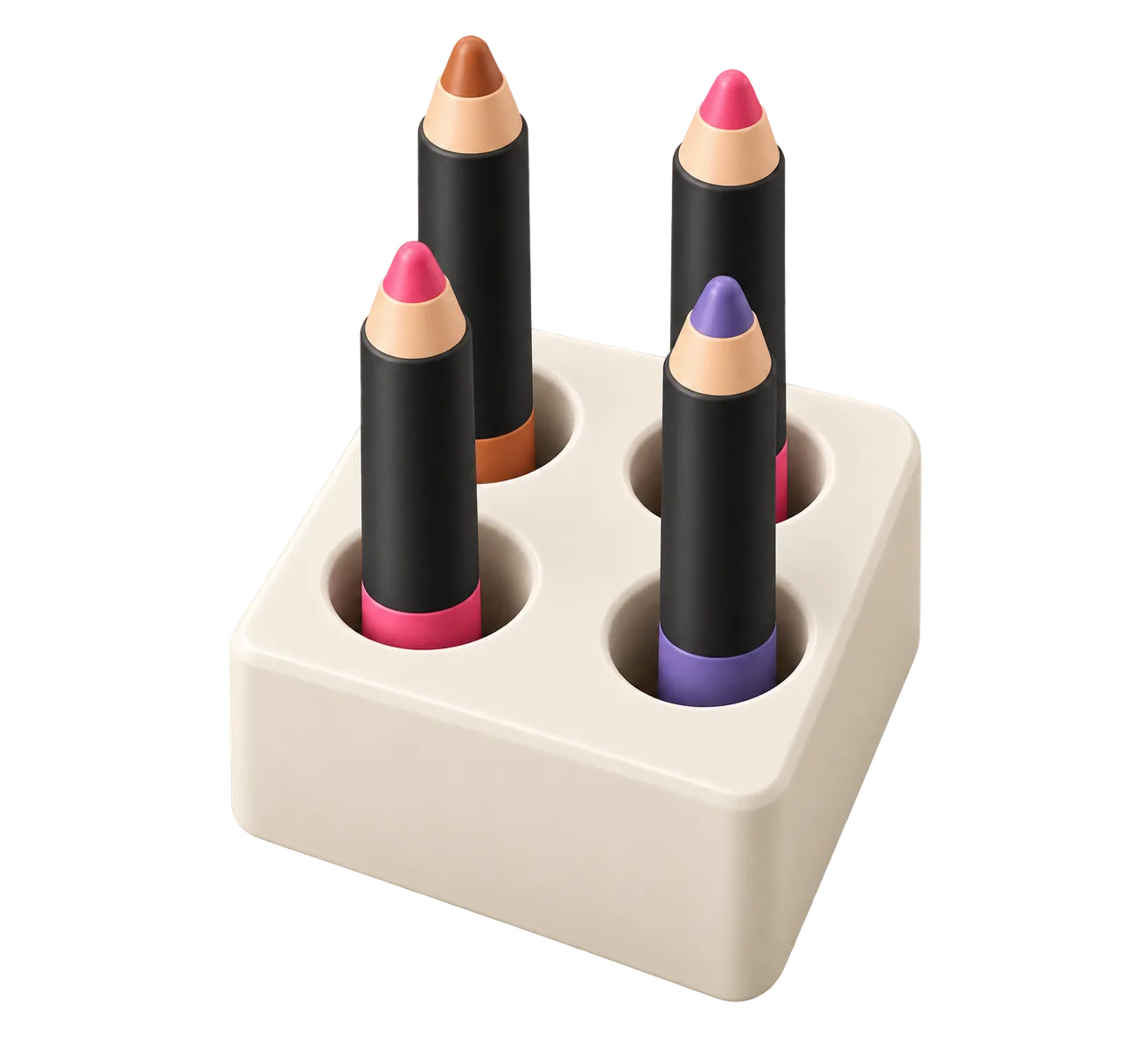
Photogrammetry stitches dozens of photos into a 3D scan. Tucked does something narrower: it reads the 2D outline of an object from one top-down photo and builds a tray around it. You get an STL with a pocket shaped like the thing, which is what you need to store it. That makes it a good fit for tools, utensils, remotes, cables and anything else that lies flat on a table.
Why the paper matters
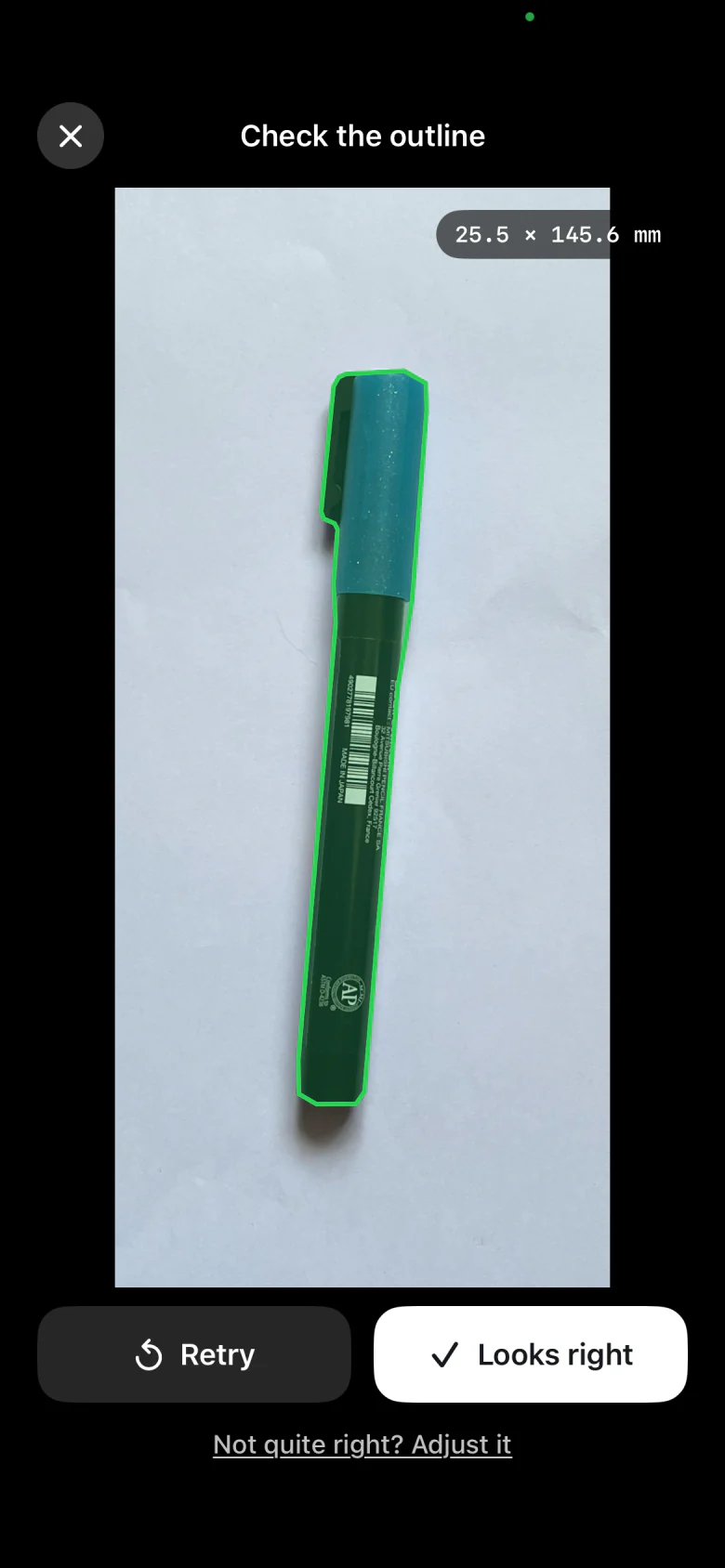
The sheet of A4 or US Letter paper is a known size, so Tucked can turn pixels into millimetres. Shoot from directly above in even light and keep the whole sheet in frame. Avoid glare and harsh side light, which can make a shadow look like part of the object. The app detects the outline, separates the object from its shadow, and offers a few suggested results. If one is close but not quite right, adjust individual points.
From outline to model
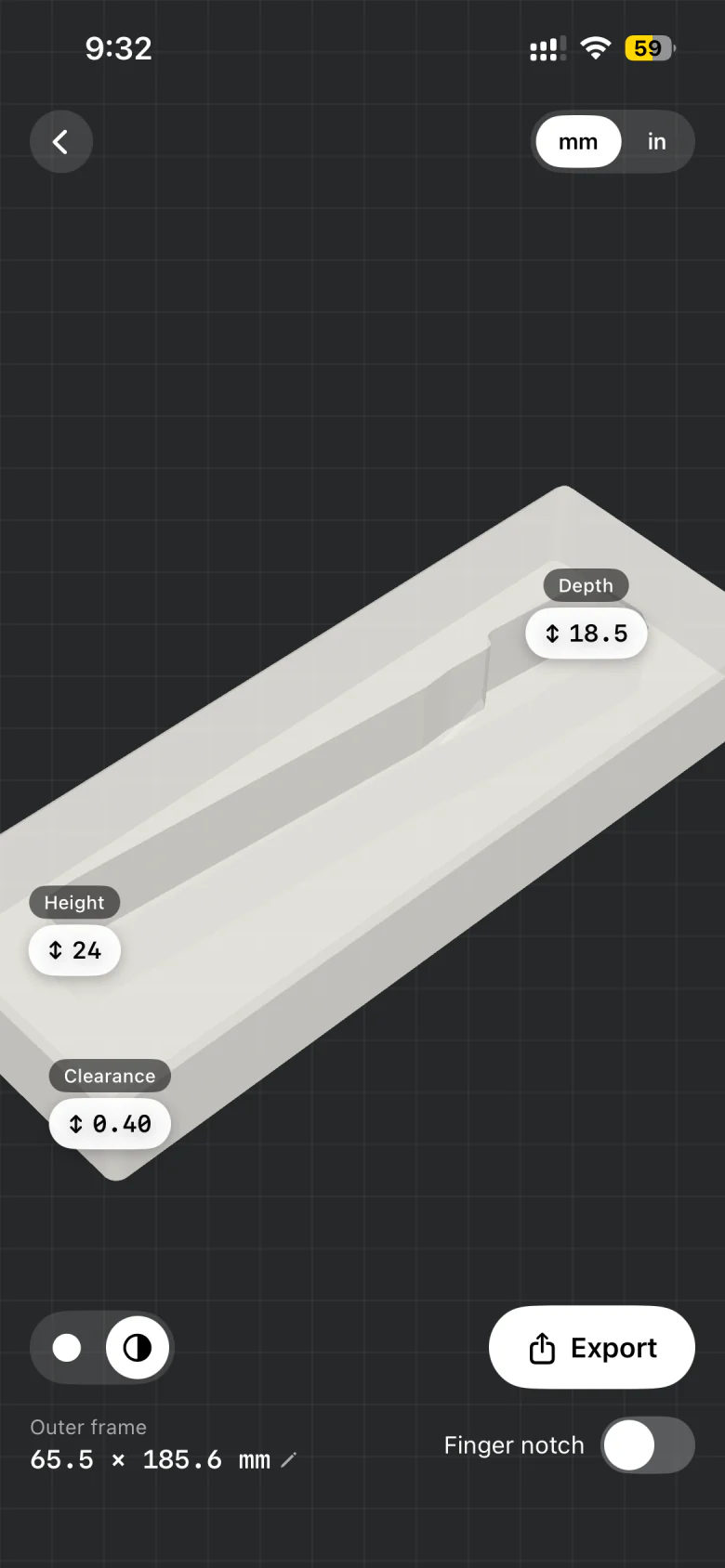
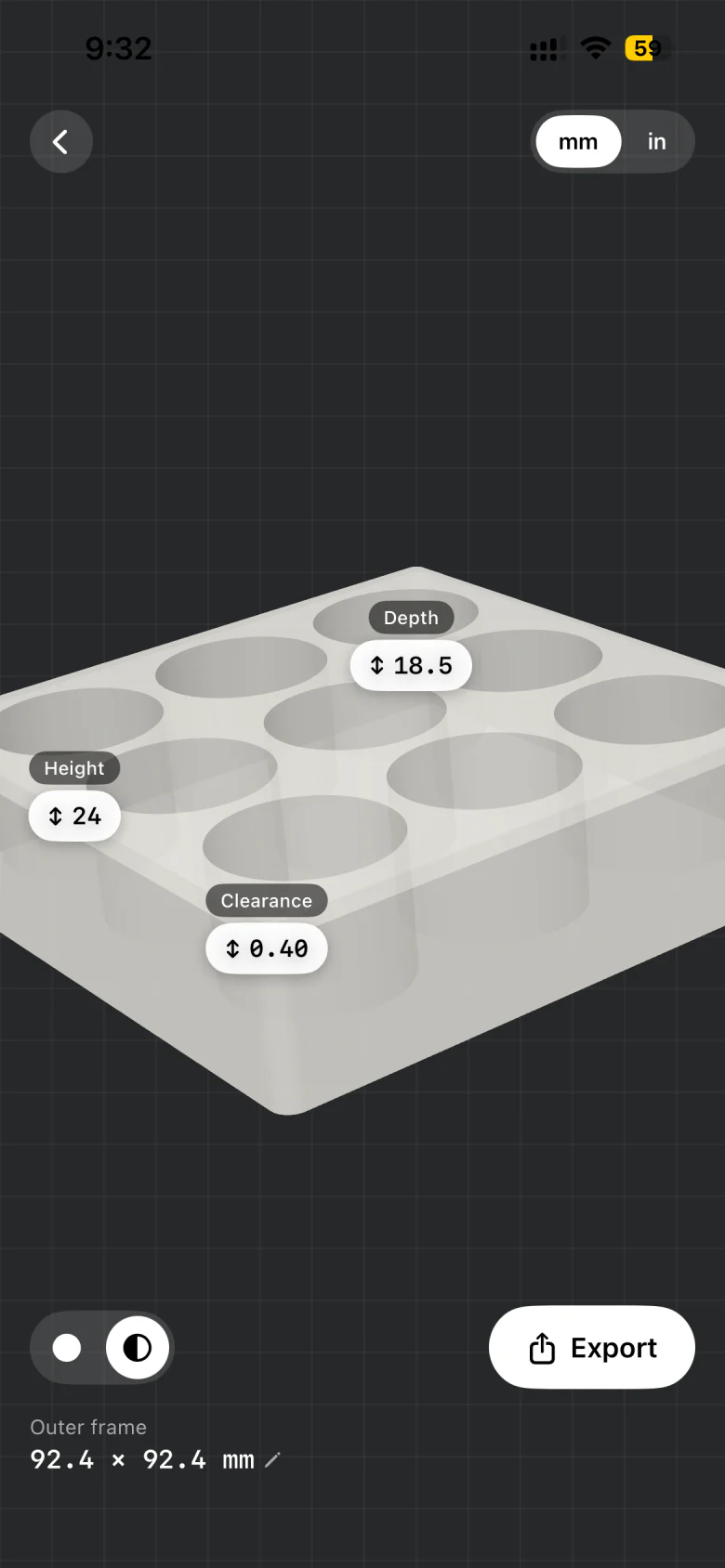
Set pocket depth, tray height, clearance and the outer dimensions, and add a finger notch so flat items are easy to lift out. Clearance controls how snug the pocket is: 0.40 mm suits most printers, and you can raise it if your prints come out tight. The 3D preview updates as you go. When it looks right, export the STL and open it in any slicer.
Private by design
Photos are processed on your iPhone. They are not uploaded to an external AI vision service.
Limits worth knowing
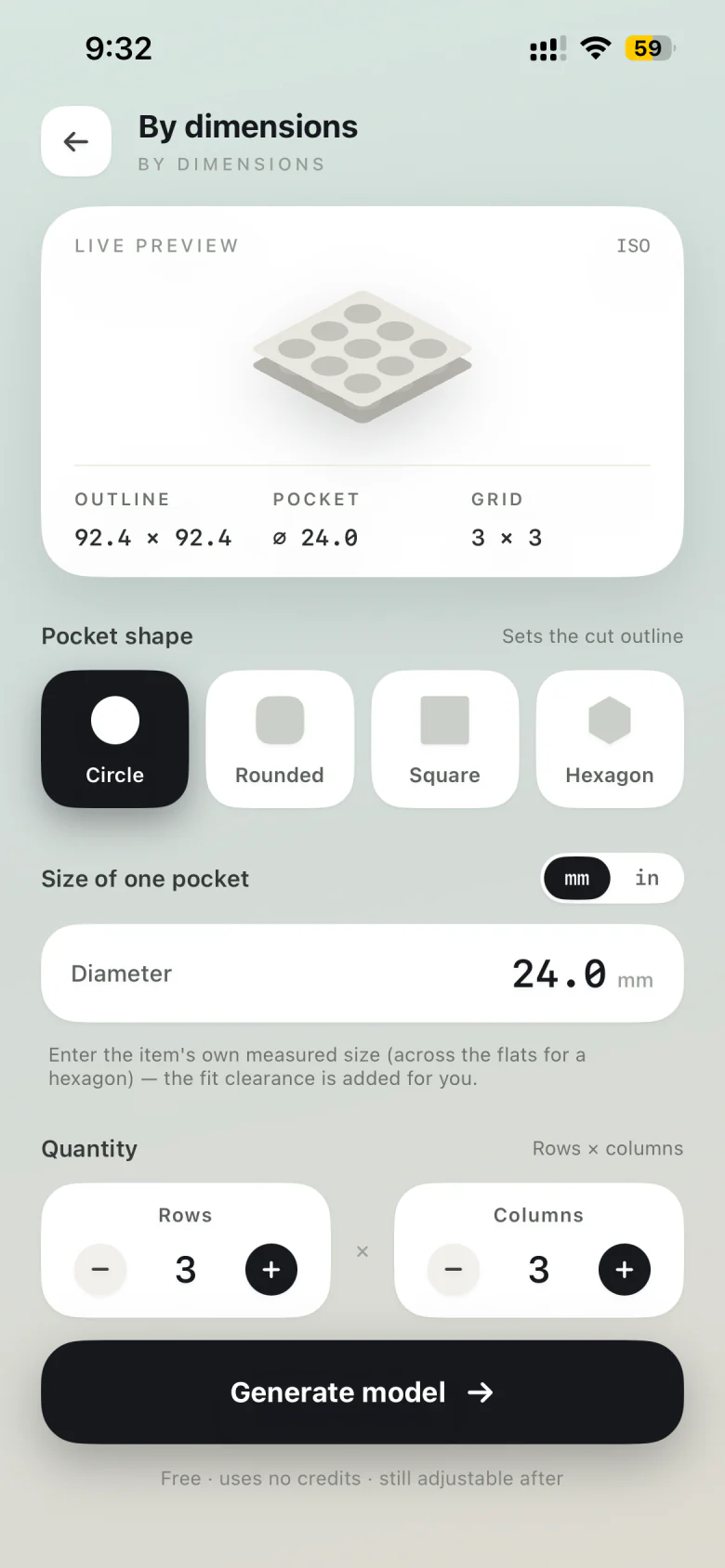
Tucked makes flat-bottomed, standalone trays; it doesn’t do full 3D scanning. You’ll need your own 3D printer or a printing service. Need identical pockets instead of a traced one? Make the tray by dimensions.