Photo-based Gridfinity bin generator

Gridfinity bins shaped around your tools.

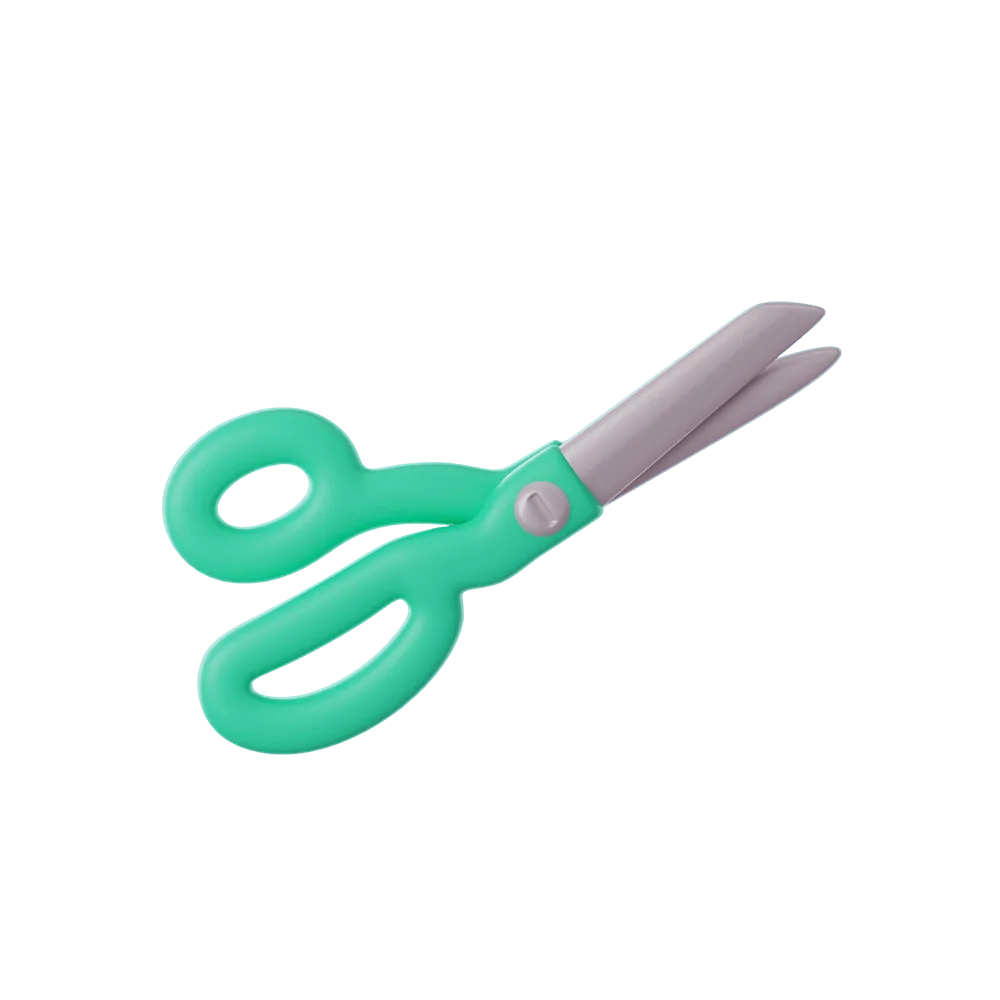
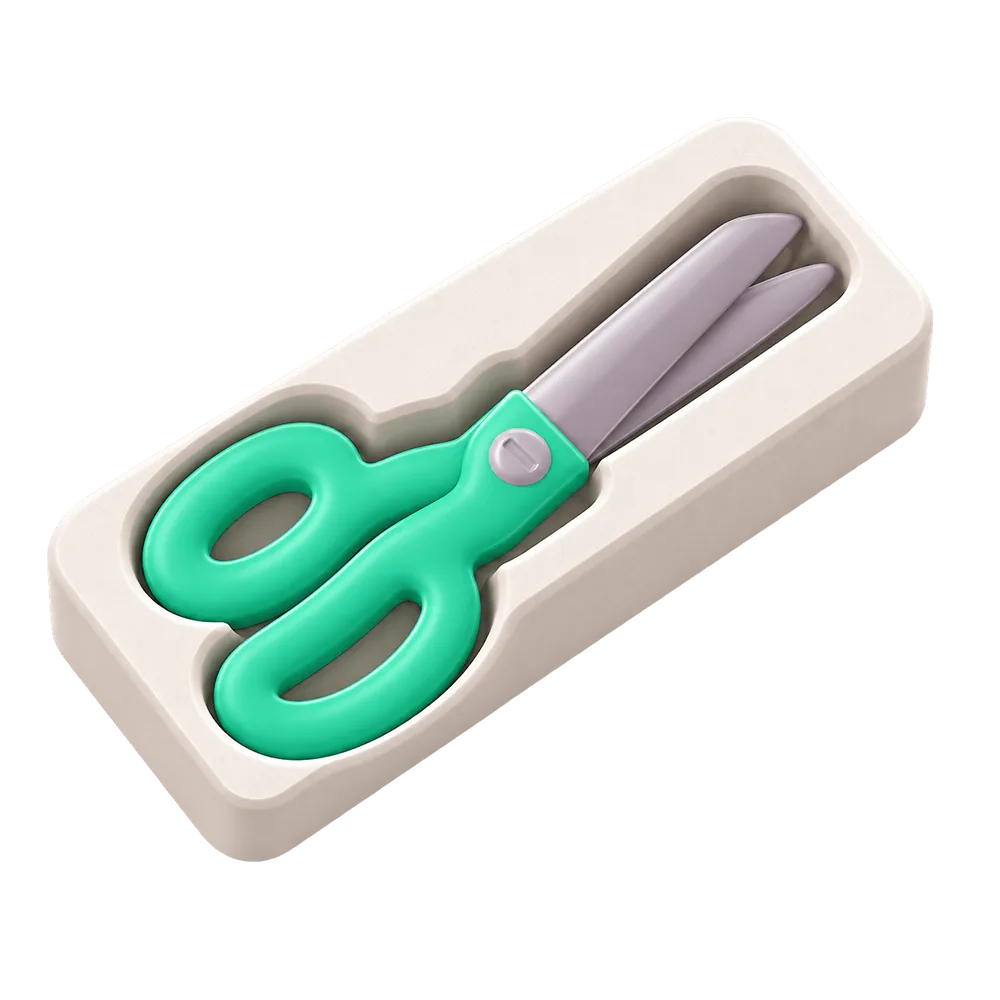
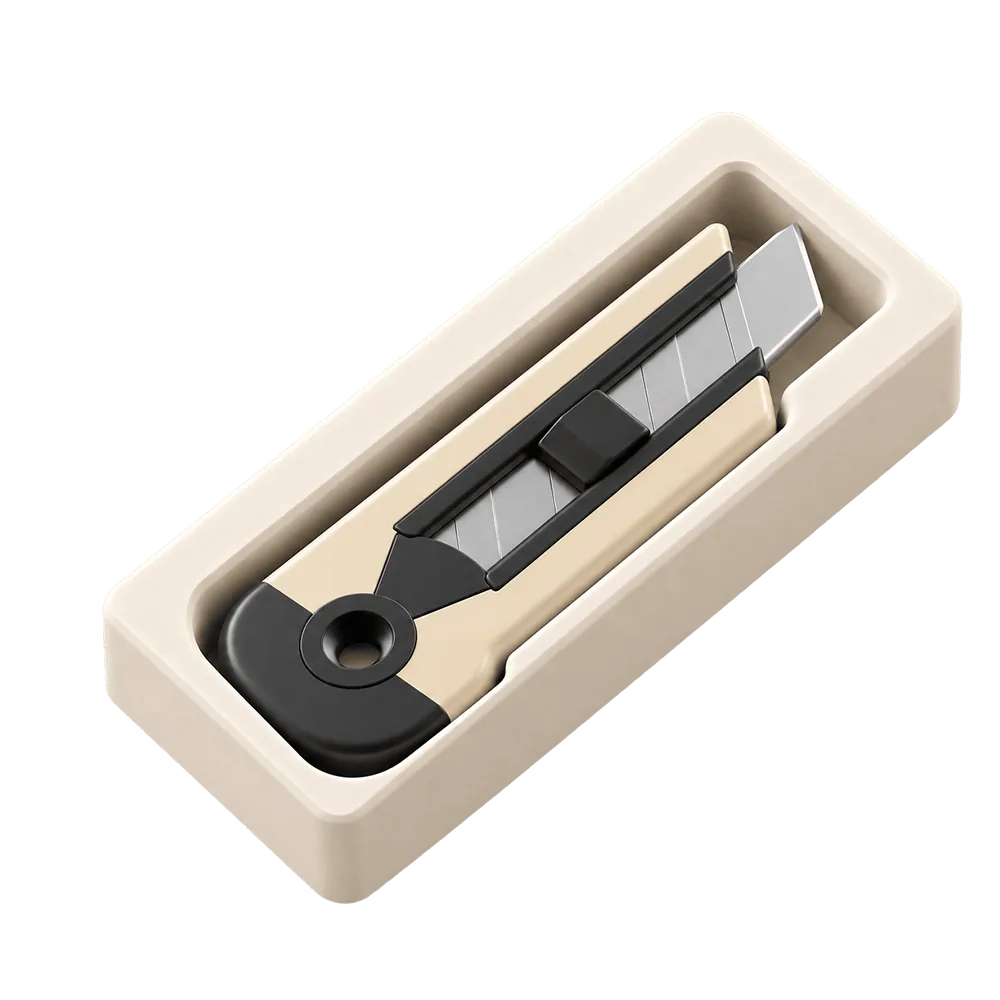
Photograph your scissors, utility knife or another tool on paper. Tucked turns its outline into a custom pocket inside a Gridfinity bin. Adjust the fit on your iPhone, then export the STL and print.

Download on theApp Store

Free download · iPhone · iOS 17 or later

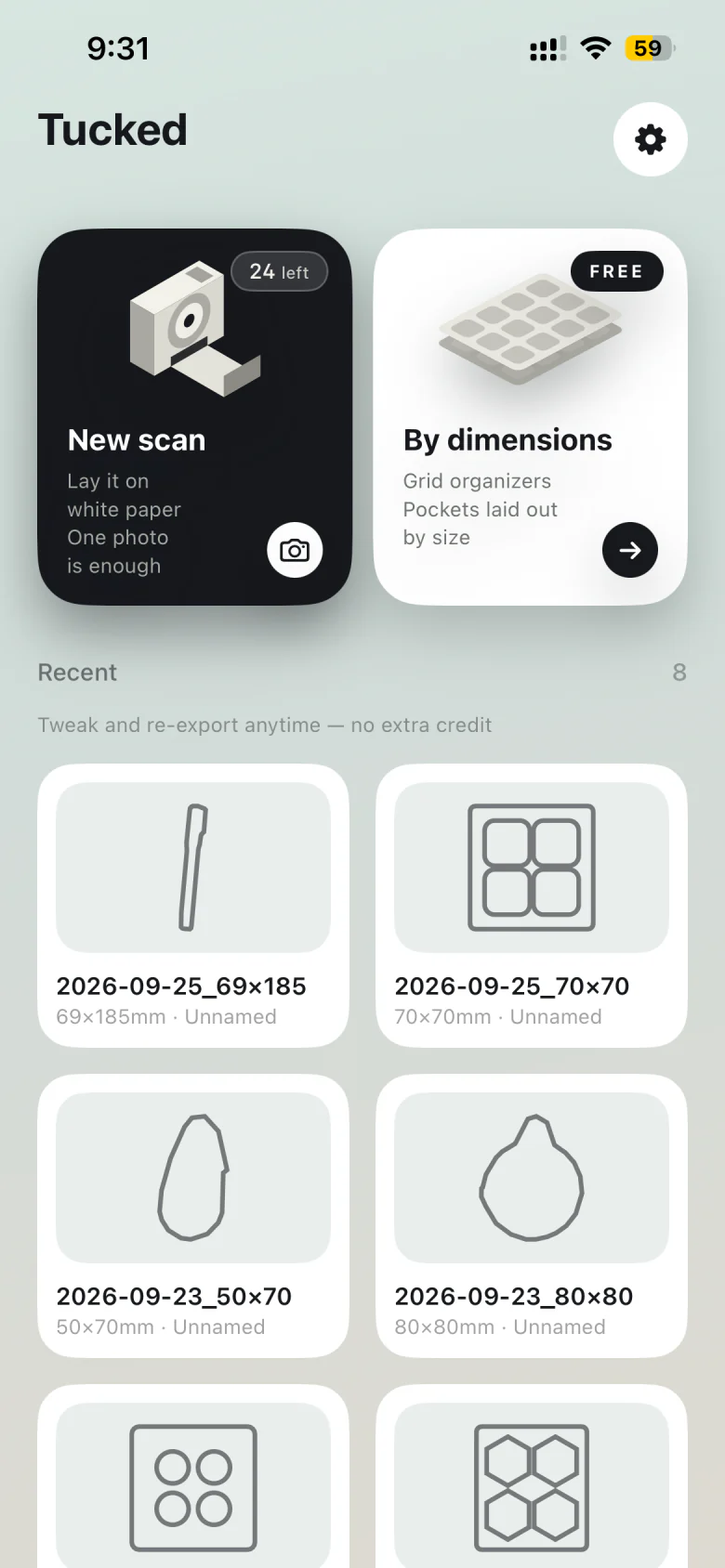
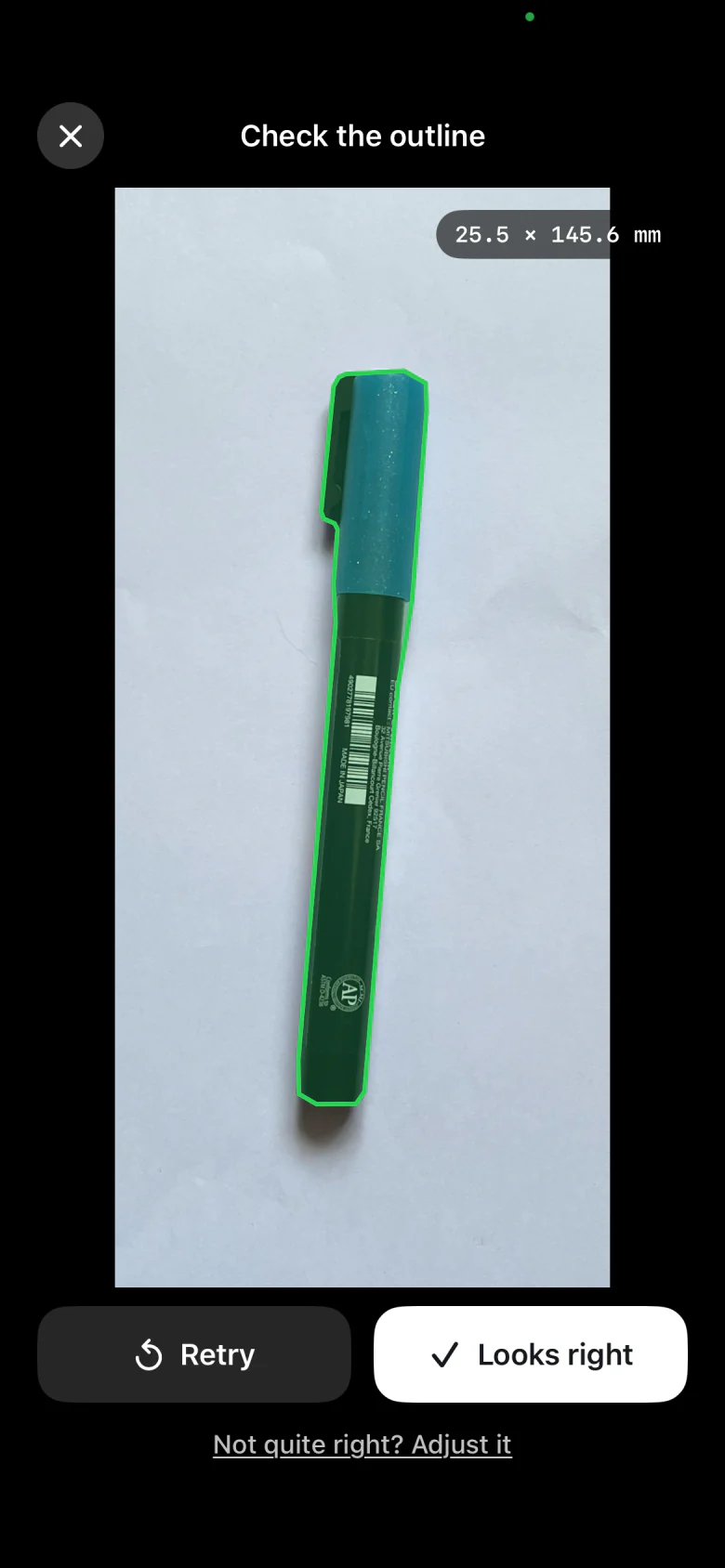
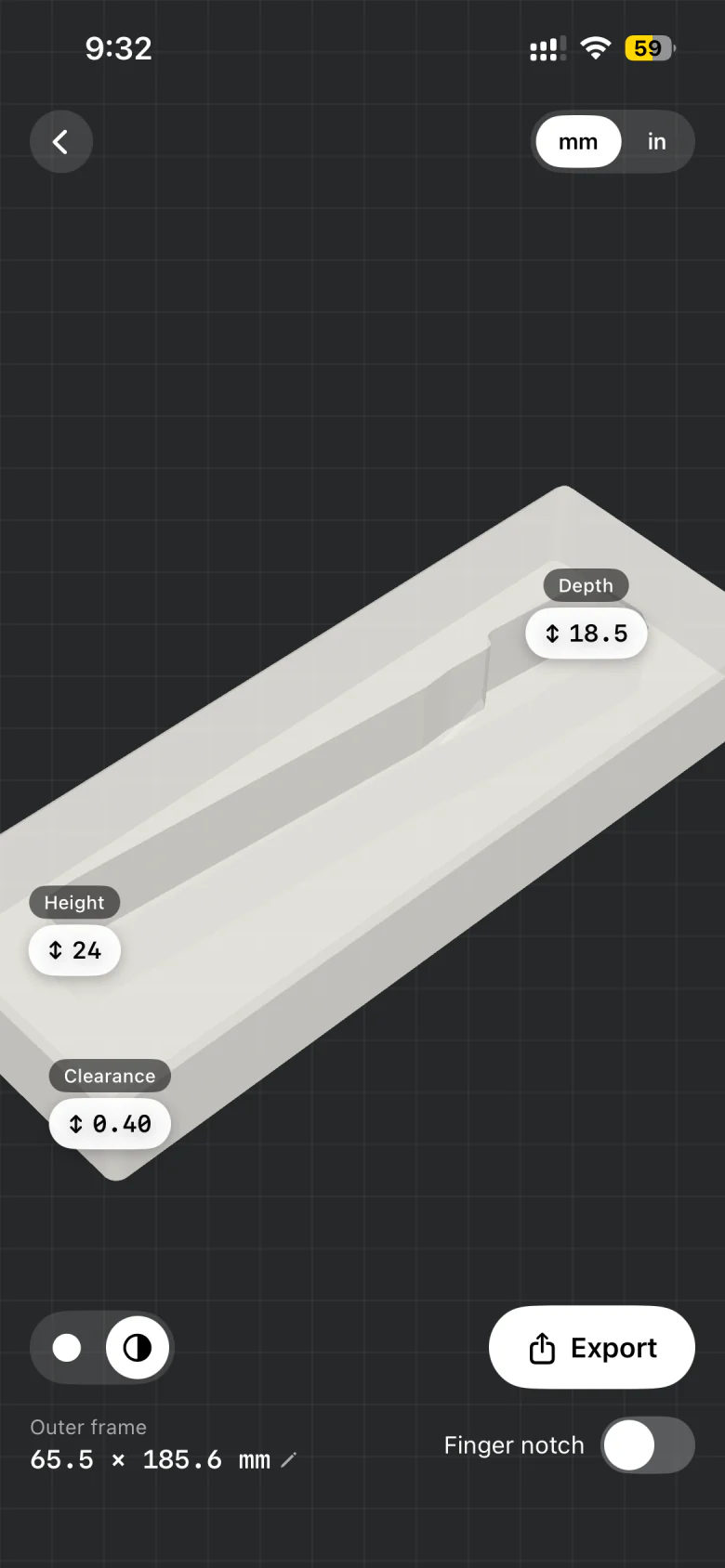
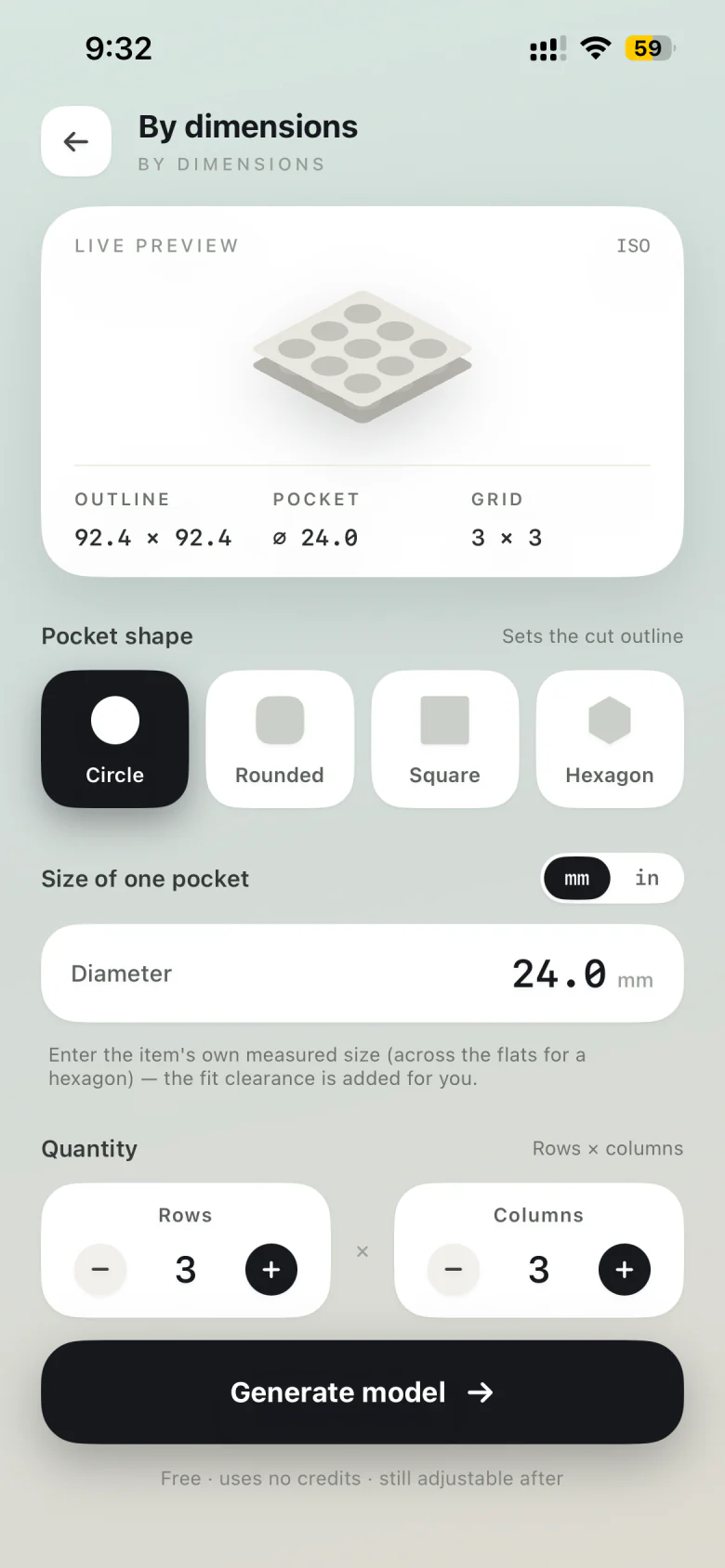
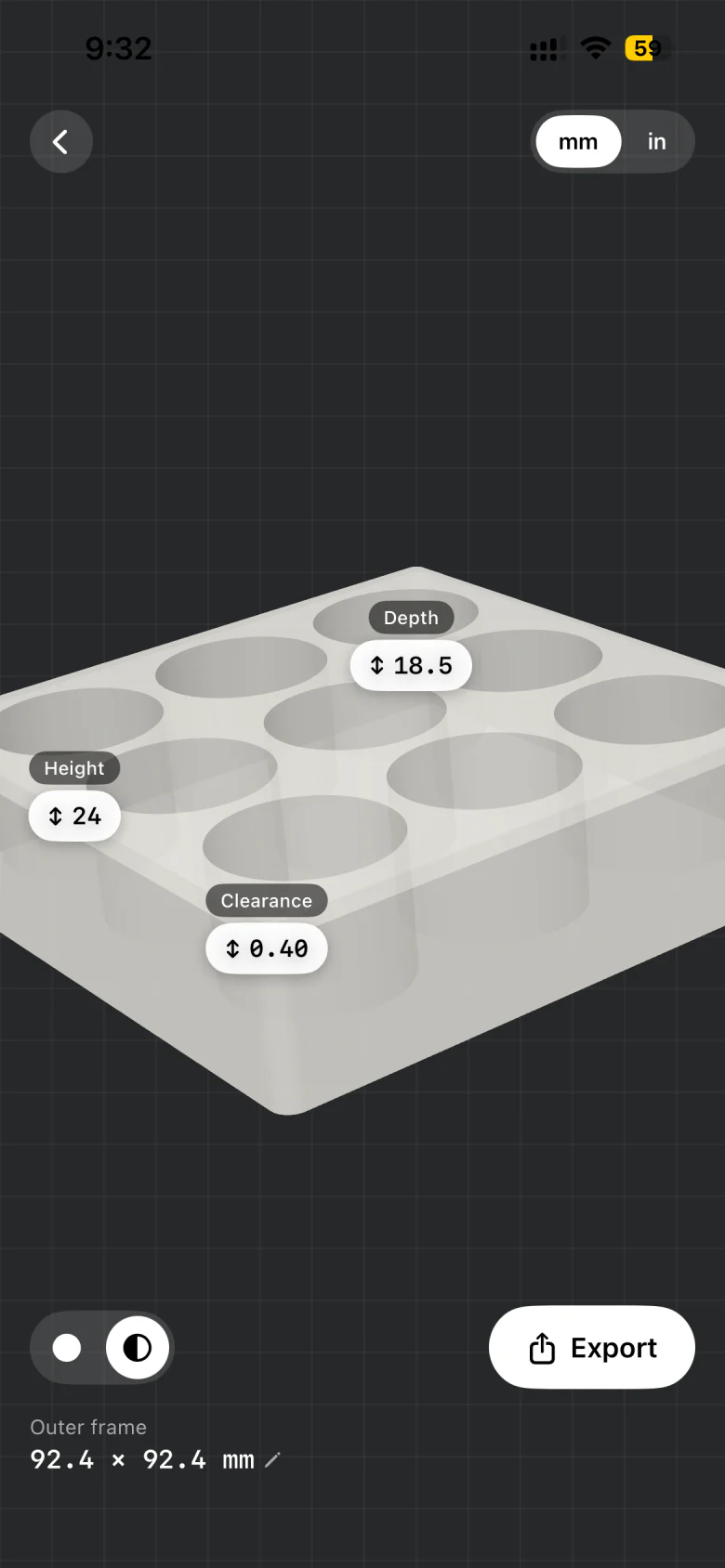
Tucked home screen with New scan and By dimensions Checking the traced outline of a pen 3D preview of the pen tray with depth and clearance Making a tray by dimensions with a 3 by 3 grid of pockets 3D preview of a grid tray ready to export

Live 3D · Gridfinity

Your tool’s outline. A Gridfinity footprint.

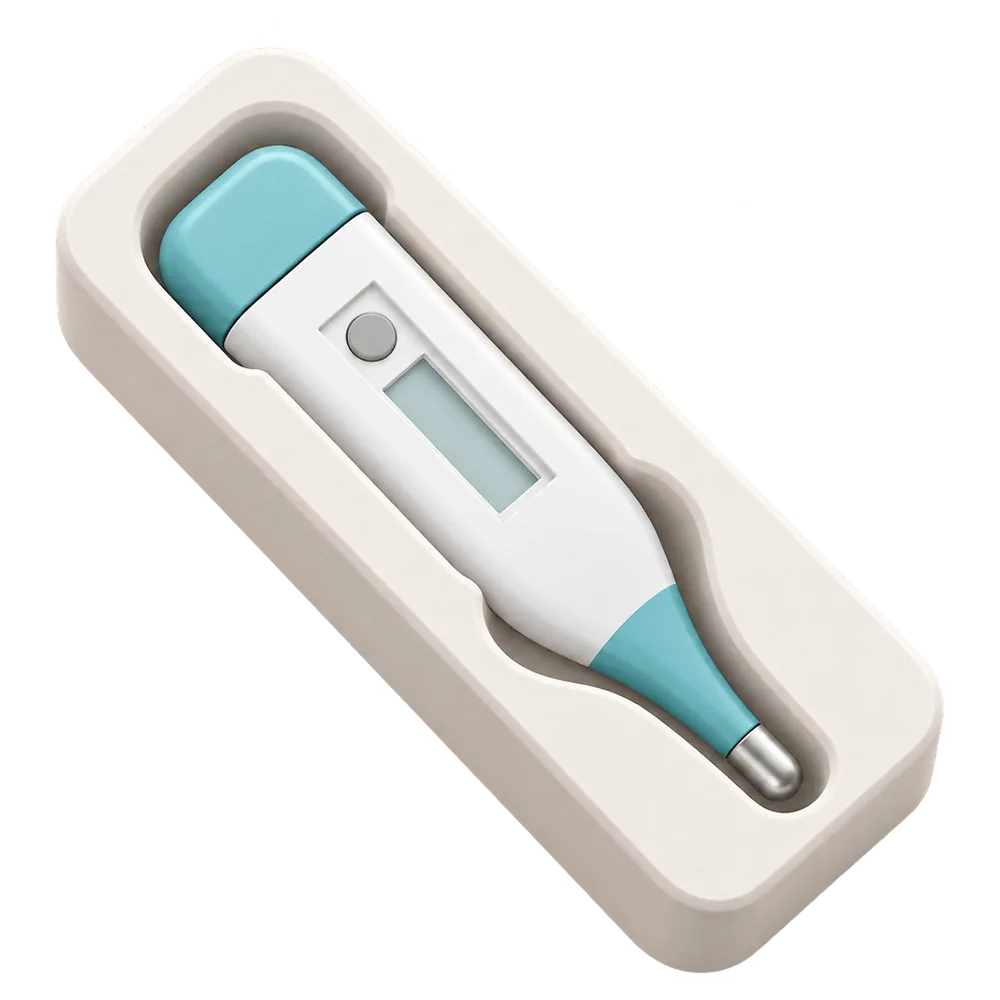
The pocket follows the object you photographed; the bin fits the 42 mm Gridfinity grid. Set pocket depth and clearance separately from the overall bin size.

Baseplate 4 × 3 · 168 × 126 mm

How it works

From photo to Gridfinity bin in three steps.

No CAD, no measuring with callipers. The paper under the tool is the ruler.

  1. 25.5 × 145.6 mm
    01

    Snap the tool

    Lay it on A4 or Letter paper and shoot from straight above. Tucked traces the outline and leaves the shadow out.

  2. Depth ↕ 18.5 Clearance ↔ 0.40
    02

    Fit it to the grid

    Pick the bin footprint in grid units, set pocket depth and clearance, and check the bin in 3D.

  3. pen-tray.stl 65.5 × 185.6 × 24 mm Export ✓ Printed
    03

    Export the STL

    Export the bin as STL, slice it like any other Gridfinity print, and drop it into your baseplate.

Guide

Photo-shaped tool pockets, without drawing them in CAD.

Start with the object you want to store, then build a Gridfinity bin around its outline.

What is a Gridfinity bin generator?

Gridfinity is an open, modular storage system created by Zack Freedman, built around a 42 × 42 mm grid and 7 mm height units. Tucked is a photo-based Gridfinity bin generator for iPhone: it traces an object’s outline and builds a bin with a matching pocket. You can adjust the clearance, pocket depth and bin dimensions before exporting an STL.

Why start with a photo

Scissors, utility knives and other irregular tools rarely fit neatly into a rectangular compartment. Photograph the tool from above on A4 or US Letter paper. Tucked uses the paper as a scale reference and traces the tool’s outline, saving you from drawing the pocket by hand. Review and edit the outline, then add clearance so the tool is easy to lift out. The result is a flat-bottomed pocket shaped for that tool.

Grid units, height and fit

Choose how many grid units the bin covers, then set pocket depth, overall height and clearance. Clearance starts at 0.40 mm, which suits a well-tuned printer; add a little if your prints run tight. Need a row of identical pockets for bits, batteries or markers? Switch to By dimensions, pick a pocket shape, size, rows and columns — no photo needed, and those models are free.

Printing your bins

Pockets are cut straight down with a flat floor, so bins print without supports. PLA or PETG at 0.2 mm layers is a good default. Print one bin first, check the fit, then batch the rest of the drawer. Because every footprint is a whole number of grid units, a new bin always sits flush next to the ones you already have, wherever they came from.

The standard

Built on the Gridfinity grid.

The numbers every bin is built around, so yours sit next to bins from anyone else.

42mmGrid pitchEvery bin footprint is a whole number of 42 × 42 mm cells.
7mmHeight unitBin heights step in 7 mm units, so neighbouring bins line up.
0.40mmDefault clearanceRoom around the outline so the tool lifts out easily. Adjustable.
STLExport formatOpens in Bambu Studio, PrusaSlicer, OrcaSlicer and Cura.

More with Tucked

Other things worth tucking away.

Make your first tray free.

Free to download. Your first five photo models are on us, and trays made by dimensions are always free.

Download on theApp Store