Custom-fit, without CAD
A little less clutter.
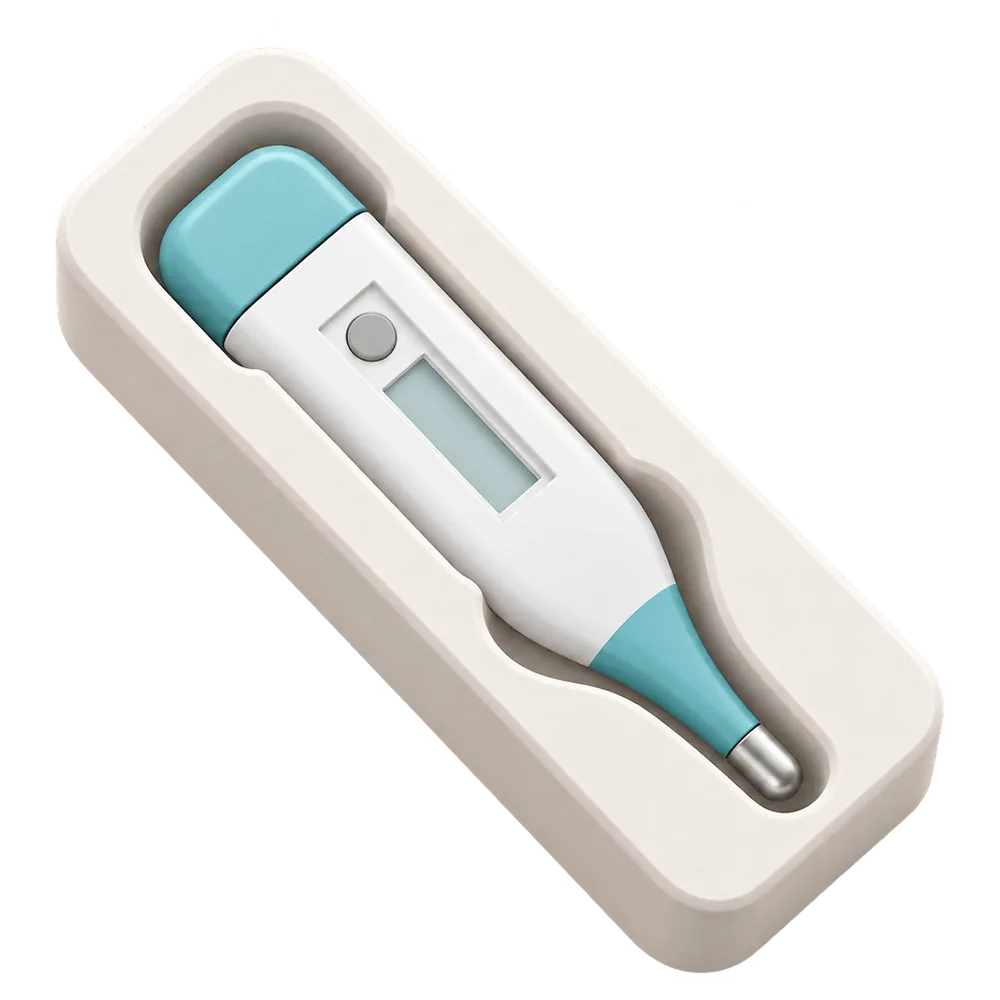
A place made to fit.
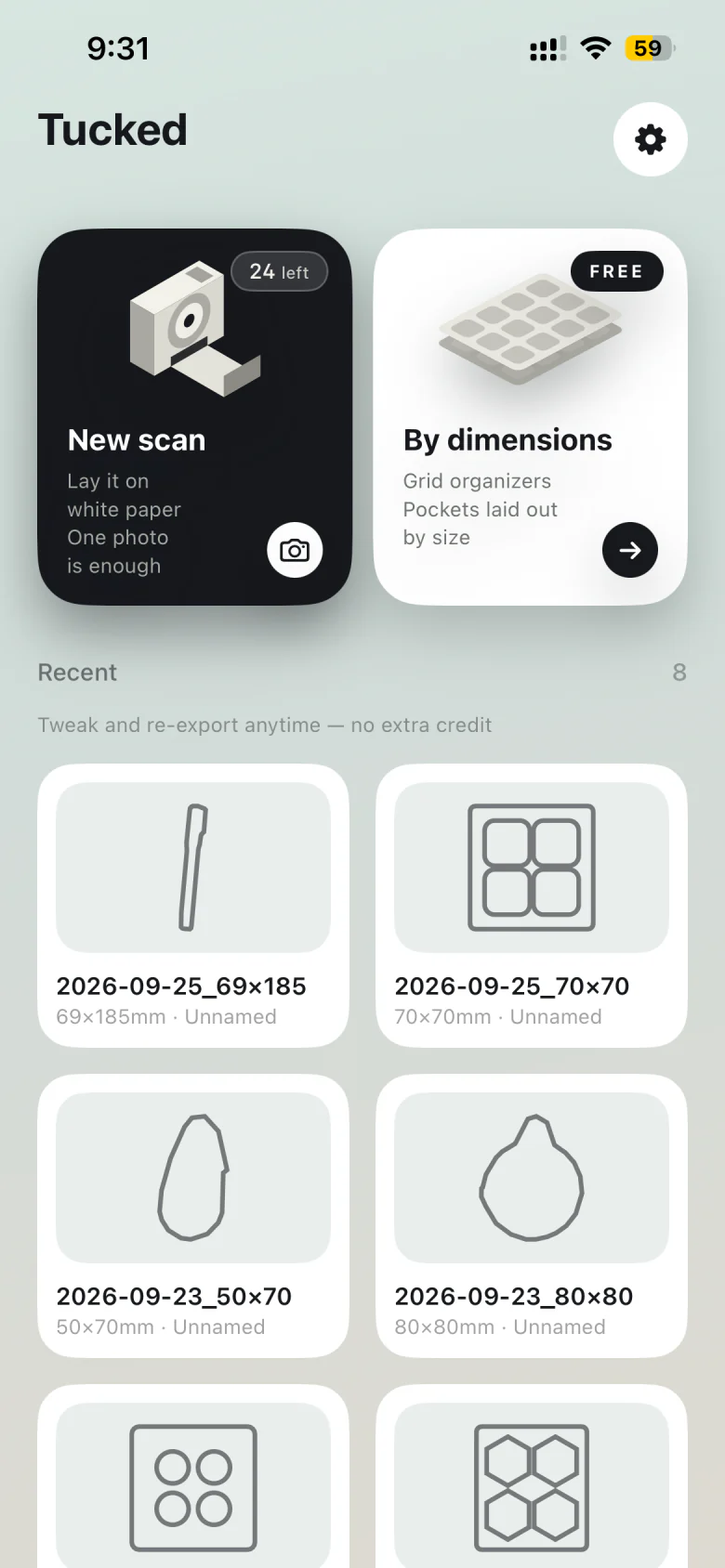
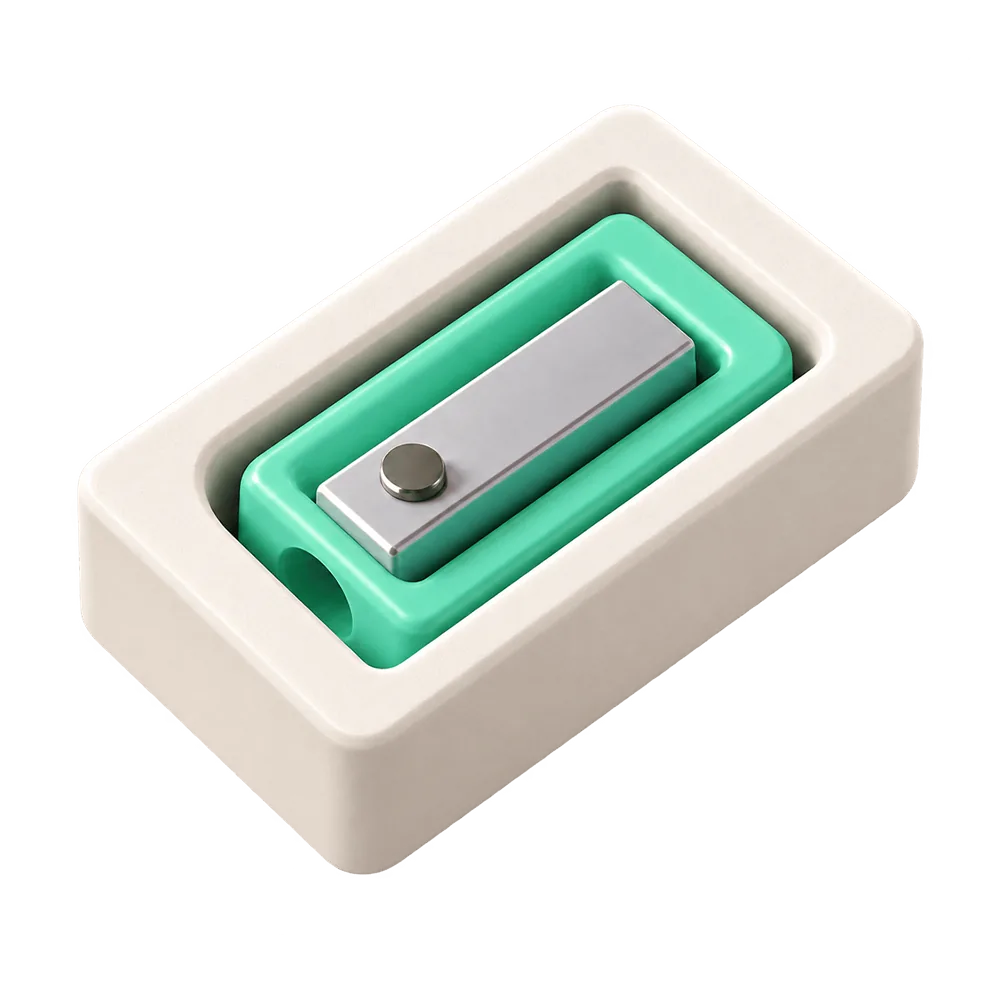
Tucked is an iPhone app for making custom 3D-printable storage trays. Start with a photo of your object or enter pocket dimensions, then shape a tray around what you want to store.
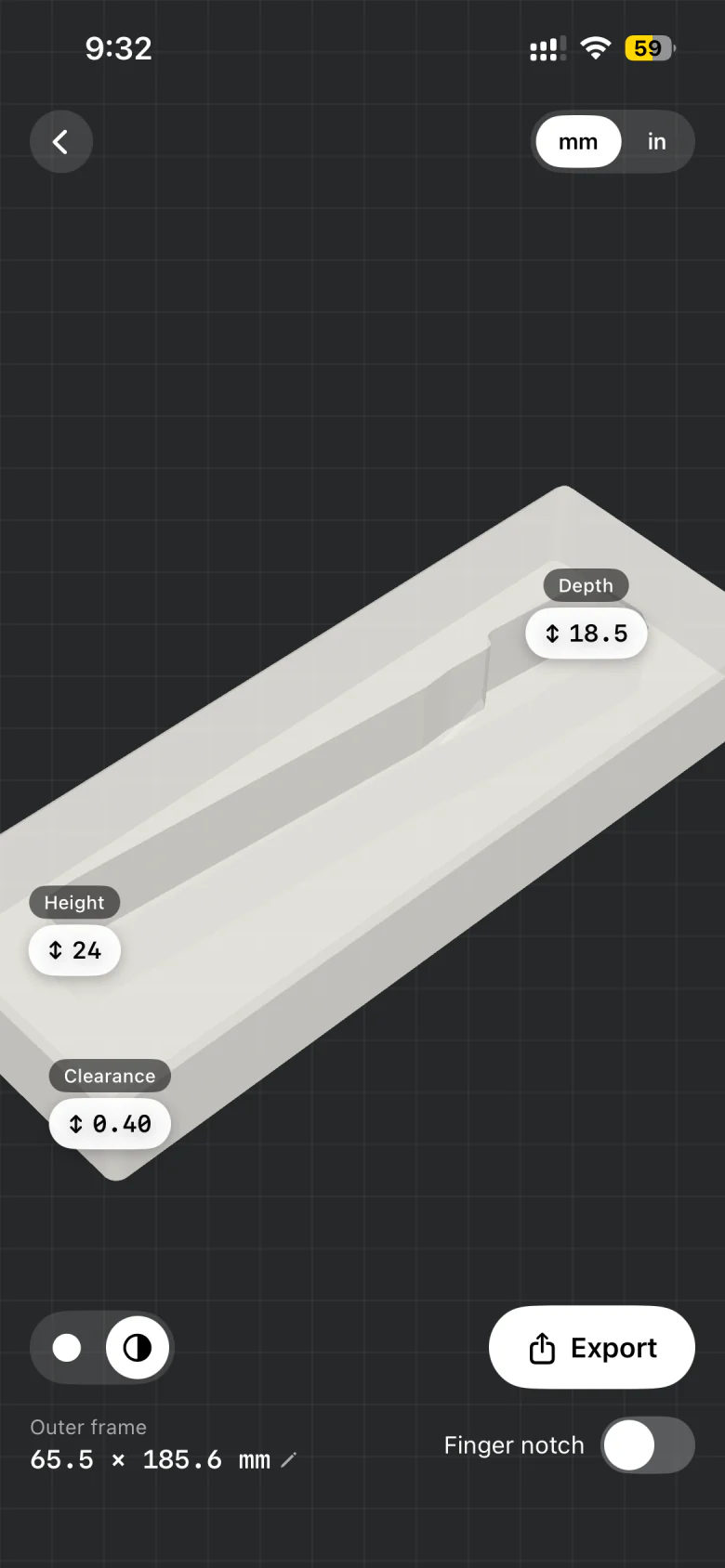
Adjust the fit, preview the model, and export an STL for your slicer. You make the model on your iPhone; your 3D printer makes it real.
Made for your things
What will you make?
One app, a few ways to make room.
Find the starting point for your next print.
From photo to fitted tray.
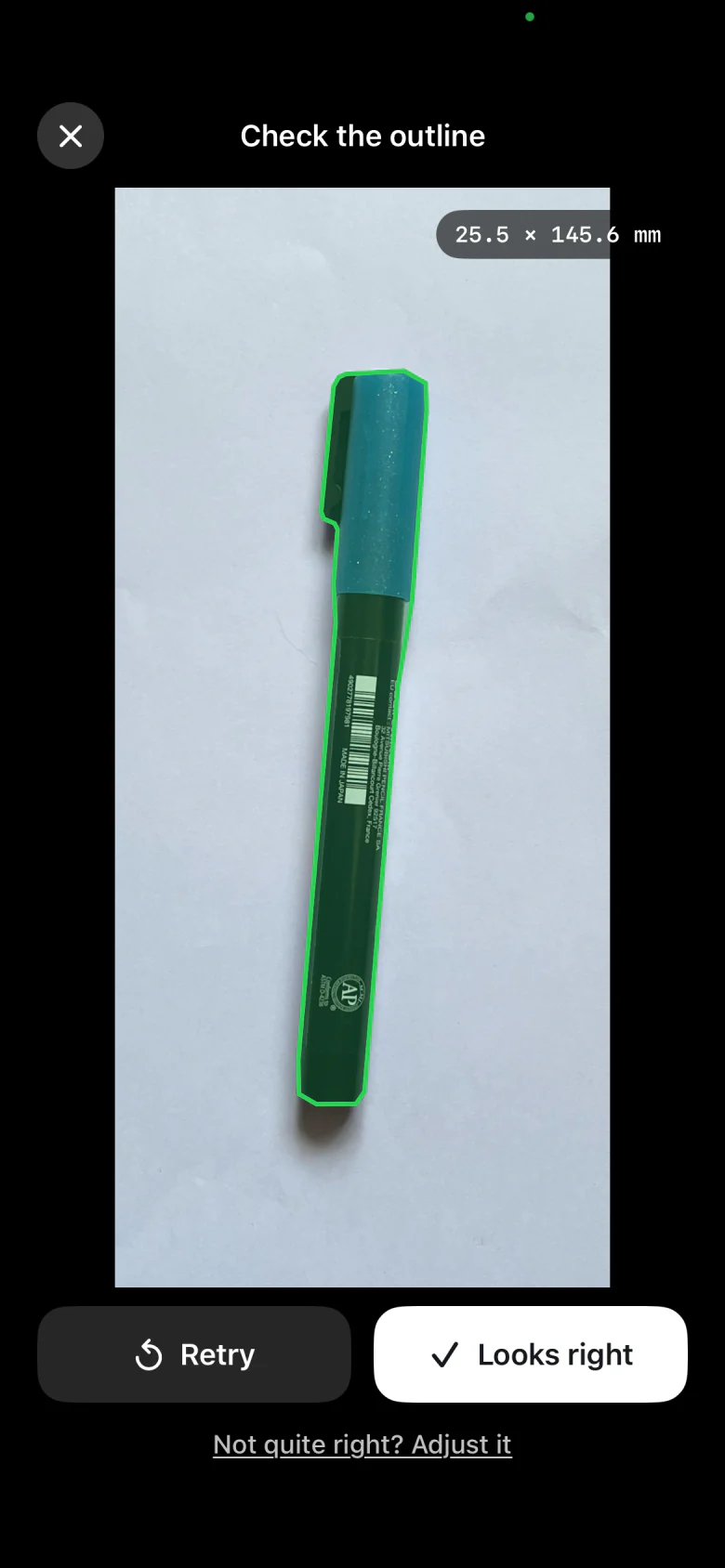
Photograph an object on A4 or Letter paper. Turn its outline into a tray pocket, ready to export and print.
Explore photo to tray STL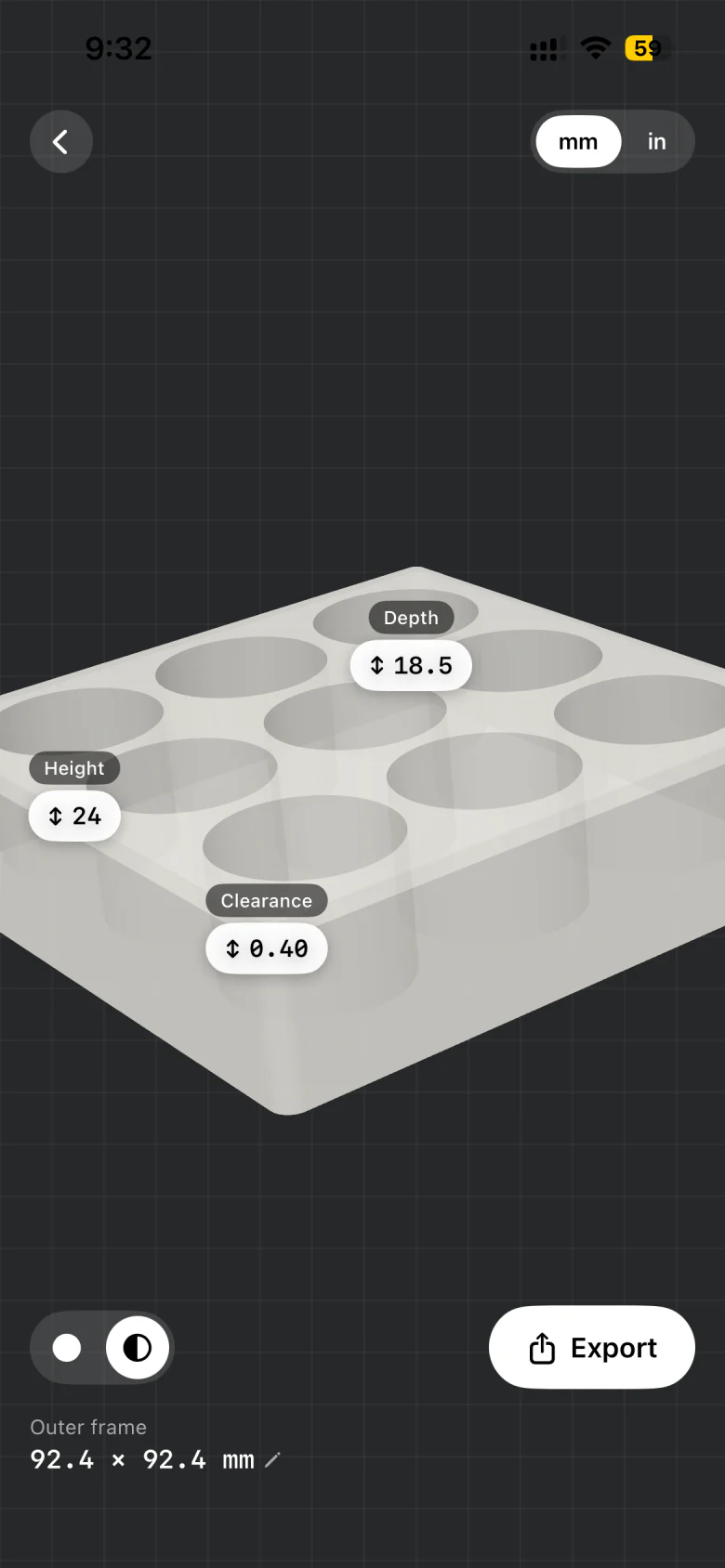
Gridfinity, shaped to your tools.
Photograph a tool to make a Gridfinity bin with a pocket shaped to its outline. Adjust clearance and depth, then export STL.
Explore the Gridfinity bin generator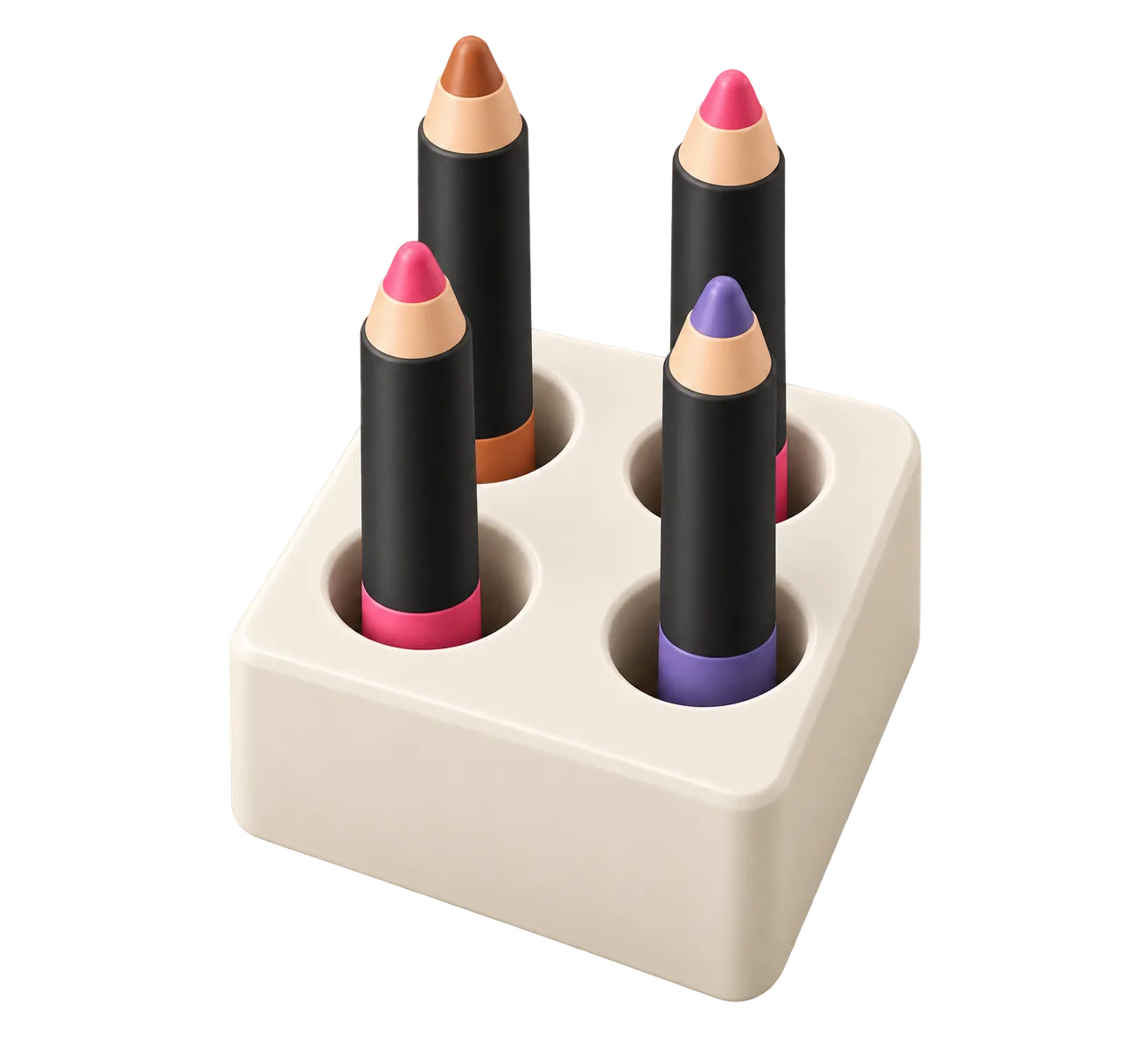
Bring order to a drawer.
Give everyday items their own pockets. Size individual trays to arrange inside your desk or toolbox drawer.
Explore drawer organizers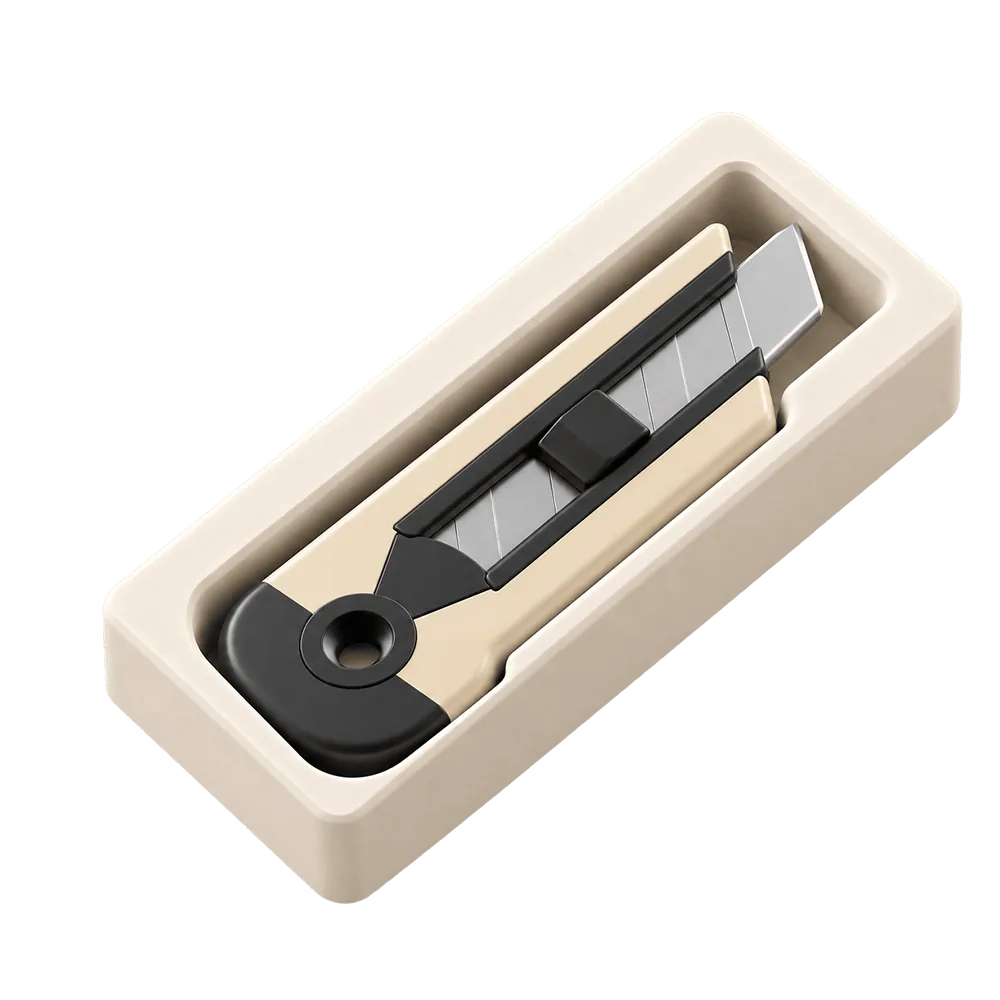
A marked place for every tool.
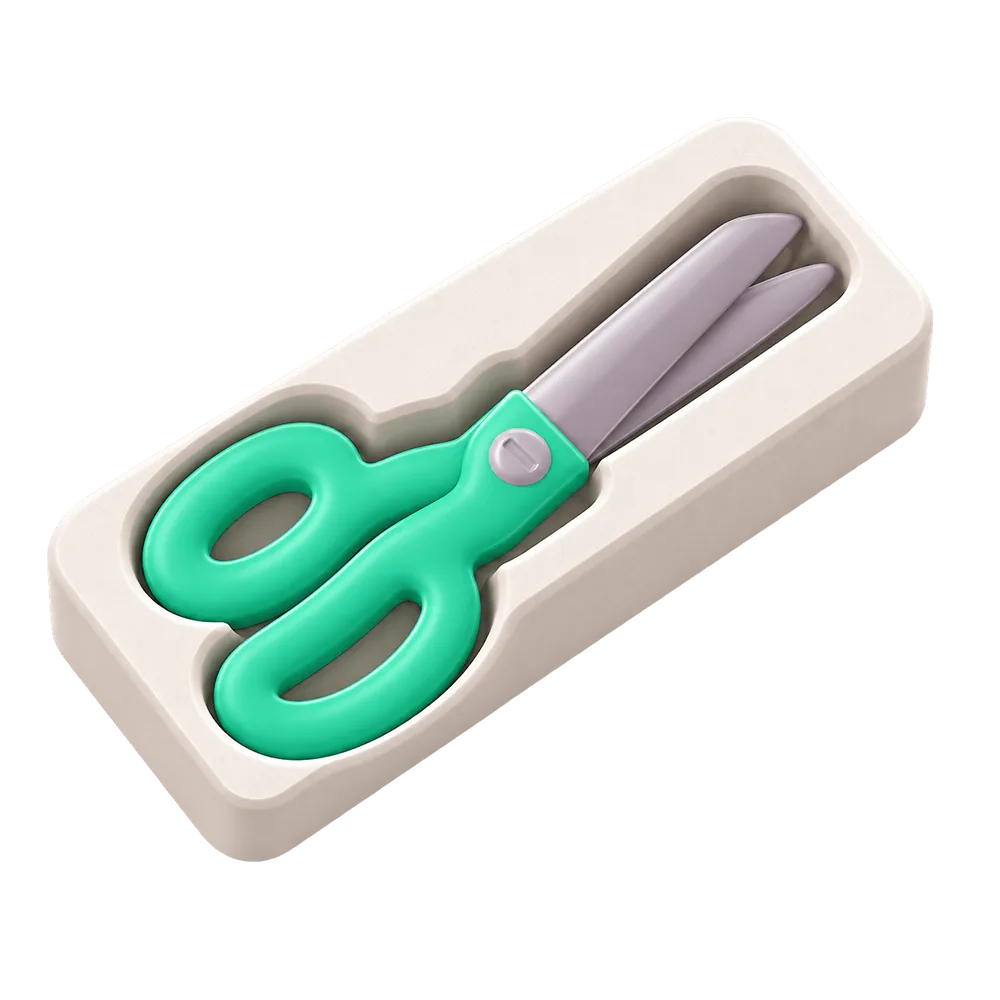
Make individual tool-shaped pockets. An empty spot makes it easy to see what still needs to be put back.
Explore tool shadow boardsHow it works
From your phone
to your printer.
- 01 / Start with what you have
Snap it. Or measure it.
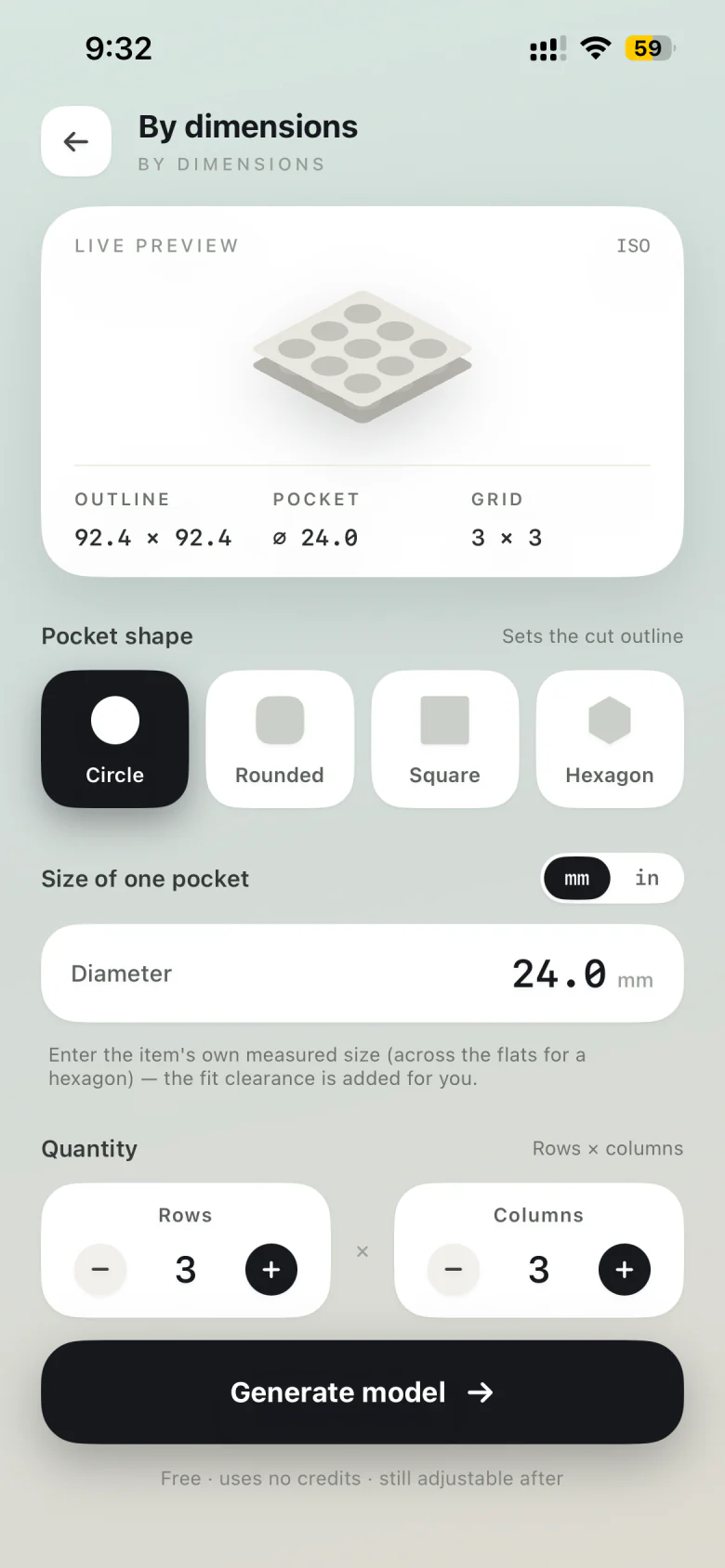
Place an object on A4 or Letter paper and photograph it from above. For regular pockets, enter the shape, dimensions, rows and columns instead.
- 02 / Make room for the details
Get the fit right.
Check the outline, adjust pocket depth and clearance, and set the tray size. Preview the result in 3D before you export.
- 03 / Make it real
Export. Slice. Print.
Export your STL and open it in Bambu Studio, PrusaSlicer, OrcaSlicer, Cura or another STL-compatible slicer. Then send it to your printer.
You’ll need an iPhone with iOS 17 or later and access to a 3D printer or printing service. Photos create outline-shaped tray pockets, rather than full 3D scans of objects.
Free to get started
Make your first tray free.
5 photo models, on us.
Your first five photo models are free. A credit is used only when a new photo model exports successfully.
By dimensions? Always free.
Make trays with regular pockets by entering dimensions. No model credits needed.
More photos, when you need.
Buy extra model credits in the app. Credits never expire, and there’s no subscription.
Adjust and re-export an existing photo model without spending another credit. Credit pack prices are shown in the app before purchase.
Made on your iPhone.
Printed on your printer.